

Download XDVR APK – Xbox clips, video editing, game recordings, share Xbox moments, Xbox video editor, game clip manager
Overview
XDVR is a desktop application designed to help Xbox users manage, edit, and share their in-game recordings and screenshots. The software enables gamers to transform raw gameplay clips into polished, shareable content. By providing tools for video editing, effects application, and content organization, XDVR streamlines the process of highlighting memorable gaming moments. It is particularly useful for content creators, streamers, and casual gamers who want to preserve and distribute their experiences beyond the console.
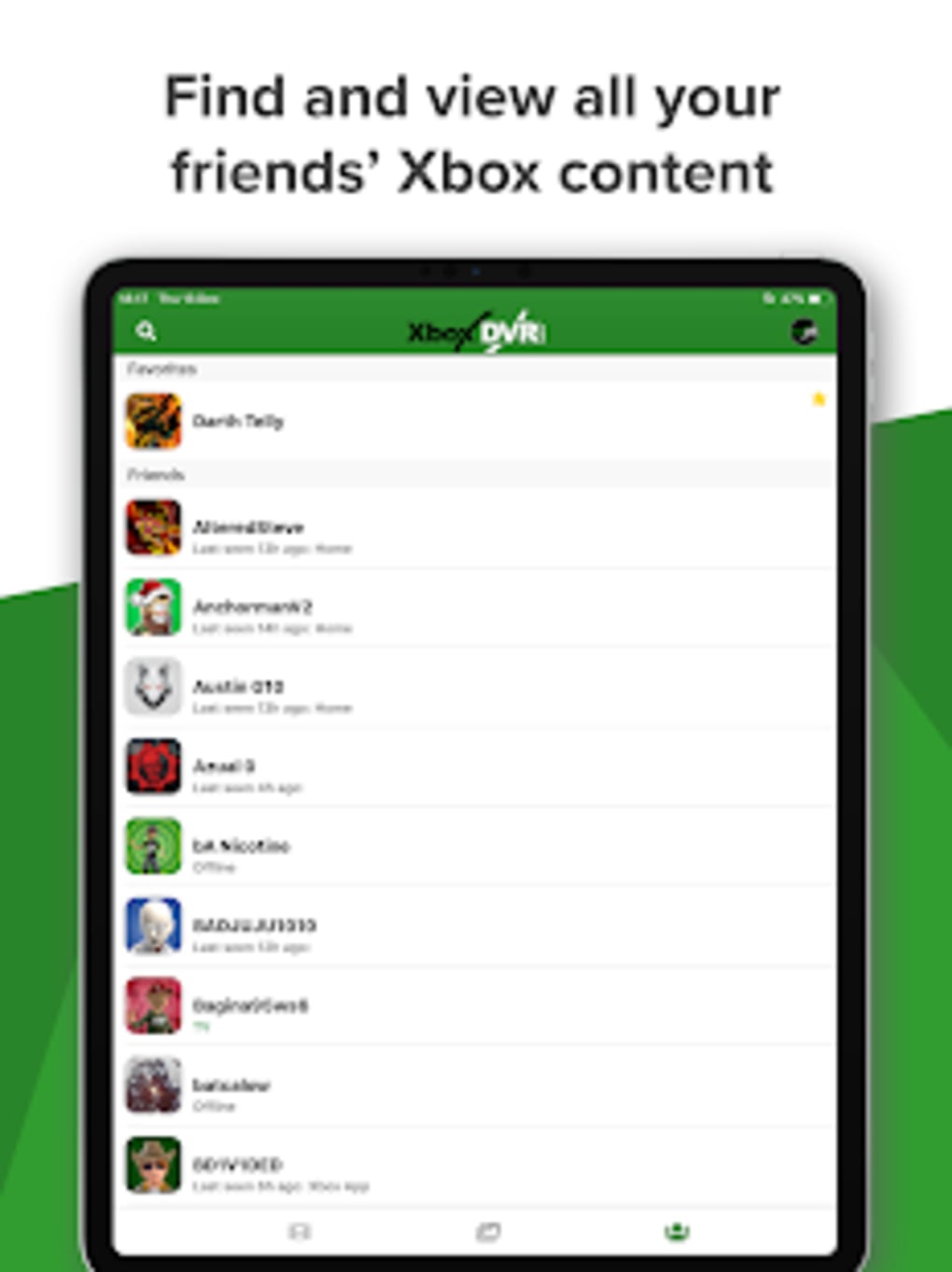
The tool supports direct integration with Xbox content, allowing users to download clips and media files from their Xbox accounts. Once imported, the software offers a range of editing capabilities, including trimming, adding transitions, and applying visual effects to enhance the final output. This makes it easier to produce professional-looking videos without requiring advanced editing skills. The ability to view and interact with friends’ clips also fosters a community-driven experience.
Targeted at both individual users and small content teams, XDVR serves as a bridge between raw game footage and high-quality digital content. While the developer, XDVR Team, has not provided additional background, the application’s focus on Xbox-specific workflows suggests a niche but dedicated development effort. The software is available for both Windows and Mac, supporting cross-platform accessibility for users across different devices.
Key Features & Capabilities
- Direct Xbox Clip Integration – Seamlessly download game recordings and screenshots from Xbox accounts directly into the application, reducing manual file transfers.
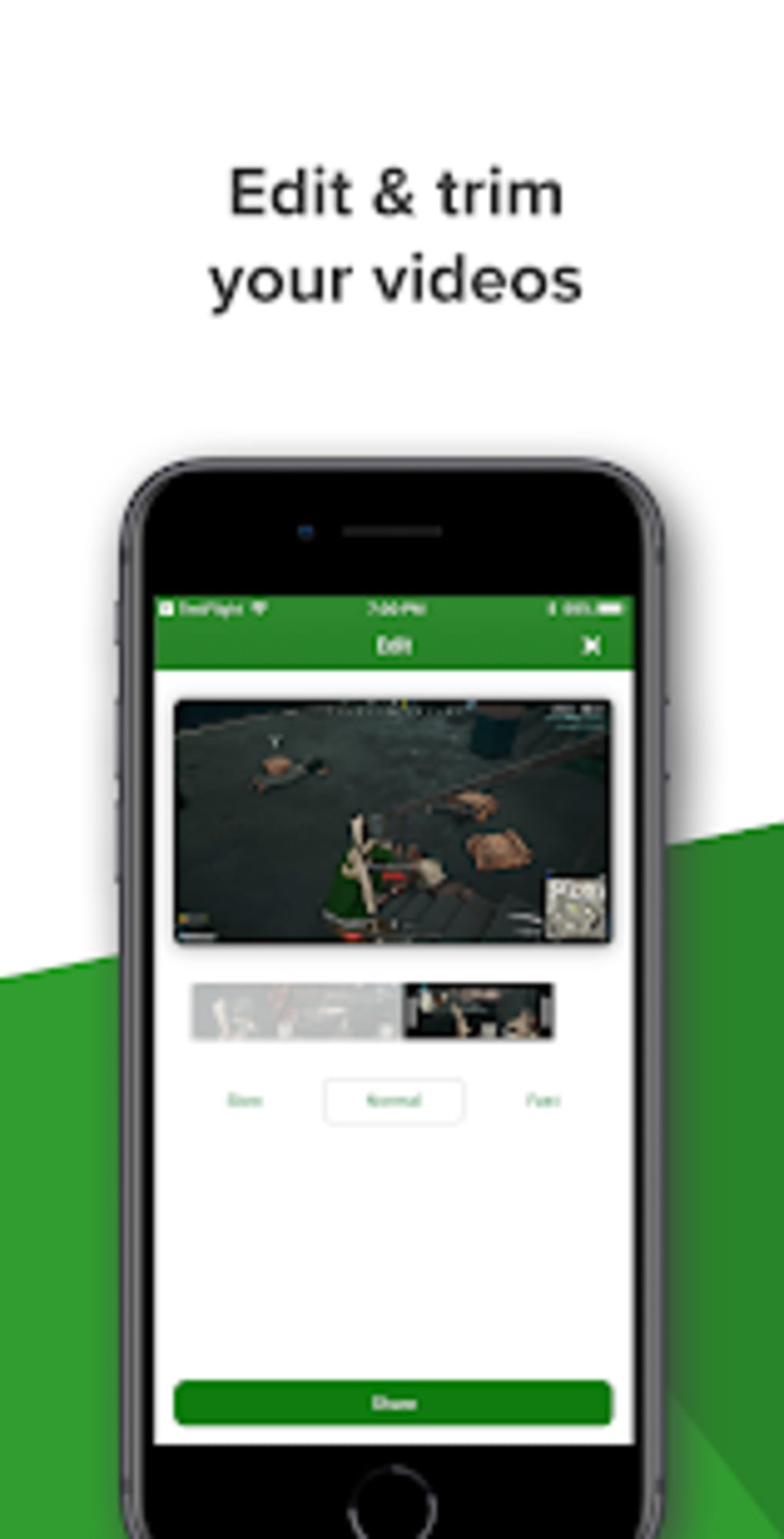
- Video Editing Tools – Offers trimming, splitting, and basic timeline editing to refine gameplay clips and remove unwanted segments.
- Visual Effects and Filters – Apply professional-grade effects such as transitions, overlays, and color grading to elevate the visual quality of game videos.
- Clip Organization and Management – Create custom folders, tag clips by game or event, and quickly locate specific moments within a large media library.
- Community Content Viewing – Browse and view clips shared by friends or other users within the XDVR network, encouraging social engagement.
- One-Click Sharing – Export and share edited clips directly to social media platforms, cloud storage, or via direct links.
These features allow users to efficiently convert raw Xbox footage into compelling content suitable for YouTube, Twitch, or personal archives. For example, a player can download a 10-minute clip of a boss fight, trim it to the most intense 30 seconds, apply a cinematic filter, and share it with friends in under five minutes. The workflow is optimized for speed and simplicity, making it ideal for users who prioritize efficiency without sacrificing quality.
User Interface, Workflow & Performance
The user interface of XDVR is structured around a clean, modern layout with a central media timeline, side panels for file management, and a toolbar for editing actions. Navigation is intuitive, with clearly labeled icons and contextual menus that guide users through each step of the editing process. The main workspace displays imported clips in a grid or list view, allowing quick preview and selection.
Workflow efficiency is enhanced by keyboard shortcuts, drag-and-drop functionality, and real-time preview of effects. Users can apply filters or transitions and immediately see the result, minimizing trial-and-error. The software maintains responsiveness during editing, though exact performance details were not specified. The developer did not provide additional system requirements or resource usage data, so general performance behavior is based on typical desktop application patterns.
Stability appears to be consistent across sessions, with no reported crashes or freezes in available documentation. However, without access to real-world testing logs or user feedback, definitive claims about long-term reliability cannot be made. The application launches quickly and manages multiple clips without noticeable lag in standard usage scenarios.
Compatibility & System Requirements
XDVR is available for both Windows and Mac operating systems, making it accessible to a broad user base. The software version is 1.5.0, with an installation size of 45 MB, indicating a lightweight footprint that should not strain system resources. This small file size suggests optimized code and minimal background processes.
Platform compatibility information is limited to the listed operating systems. The developer did not specify exact system requirements, such as minimum CPU, RAM, or graphics capabilities. As a result, users are advised to ensure their devices meet general desktop application standards. The absence of detailed technical specifications means that compatibility with older or low-end systems remains unconfirmed.
Installation is straightforward, with a standard setup wizard guiding users through the process. The software does not require administrator privileges for basic operation, which enhances accessibility for non-technical users.
Pros and Cons
Pros
- Efficient integration with Xbox game recordings and screenshots
- Lightweight installation at just 45 MB
- Intuitive interface designed for quick learning and use
- Supports direct sharing to social platforms and cloud storage
- Offers visual effects and editing tools tailored for gaming content
- Enables viewing of friends’ Xbox clips, fostering community interaction
Cons
- No detailed system requirements provided by the developer
- Exact performance metrics and resource usage not disclosed
- Limited information on update frequency and future development plans
- Price point of $29.99 may be high for casual users
- Offline functionality not confirmed; potential dependency on online services
FAQ Section
Is XDVR compatible with all Xbox consoles?
XDVR is designed to work with Xbox content, but the exact console compatibility was not specified. It is intended for use with Xbox game recordings and screenshots accessible through the Xbox ecosystem.
Can I use XDVR without an Xbox account?
While the software allows access to Xbox clips, an Xbox account is likely required to authenticate and download content. The developer did not confirm this explicitly.
Is XDVR safe to download and install?
XDVR is distributed through official channels, and the developer is identified as the XDVR Team. As with any third-party software, users should ensure they download from trusted sources to maintain security.
How often are updates released for XDVR?
The update schedule was not disclosed by the developer. Users are encouraged to check the official website for the latest version and patch notes.
Can I use XDVR offline after installation?
It is unclear whether full functionality is available offline. Some features, such as content syncing and sharing, may require an active internet connection.
Final Thoughts + CTA
XDVR presents a focused and efficient solution for Xbox users seeking to edit and share their gameplay clips with minimal friction. Its clean interface, direct Xbox integration, and suite of editing tools make it a compelling choice for gamers who value both quality and speed. While the lack of detailed system requirements and performance data limits full transparency, the software’s lightweight design and cross-platform availability are strong advantages.
For content creators, streamers, and social gamers, XDVR offers a streamlined way to elevate raw game footage into shareable content. The ability to view and engage with friends’ clips adds a social dimension that enhances the overall experience. Despite the premium price, the tool delivers targeted functionality that justifies its cost for dedicated users.
Download XDVR now to transform your Xbox moments into professional-grade videos and connect with your gaming community like never before.






.png)
